Themes
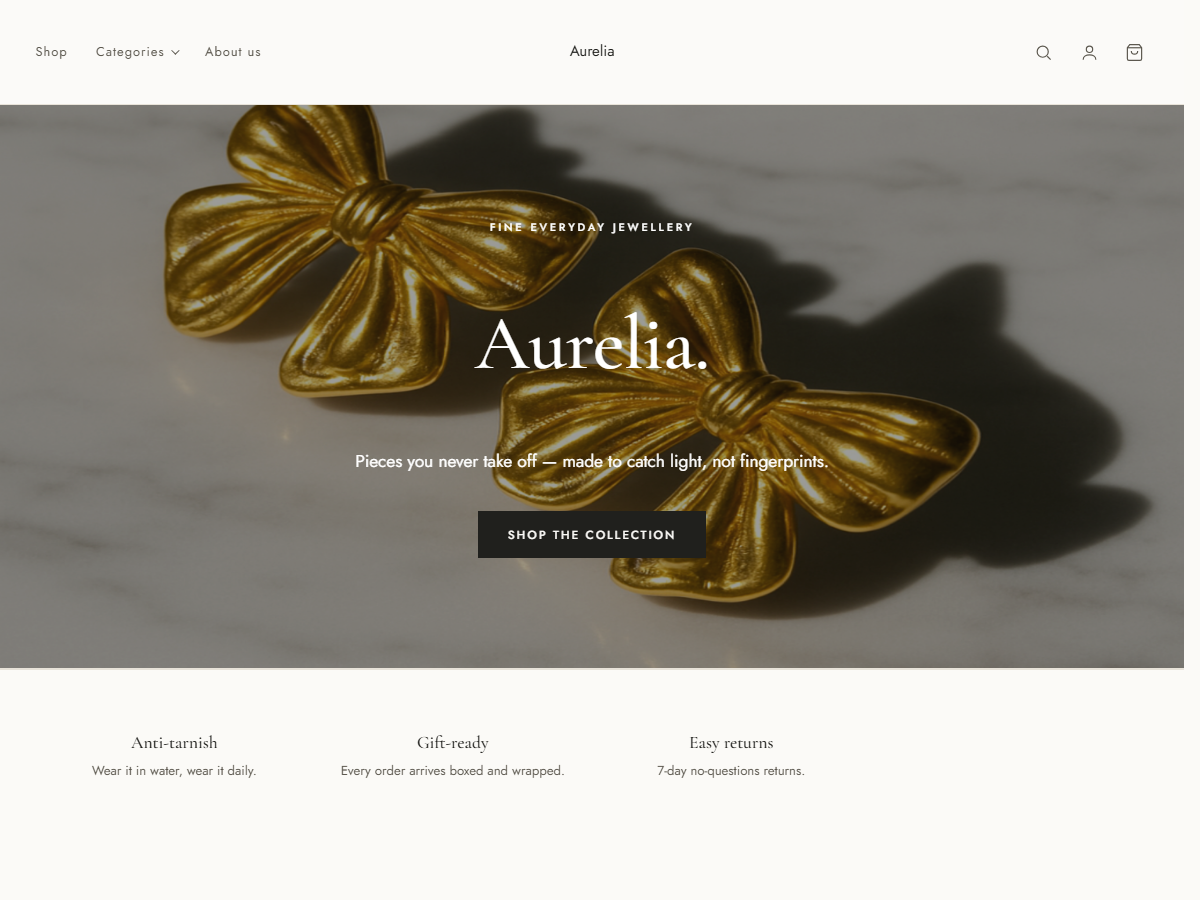
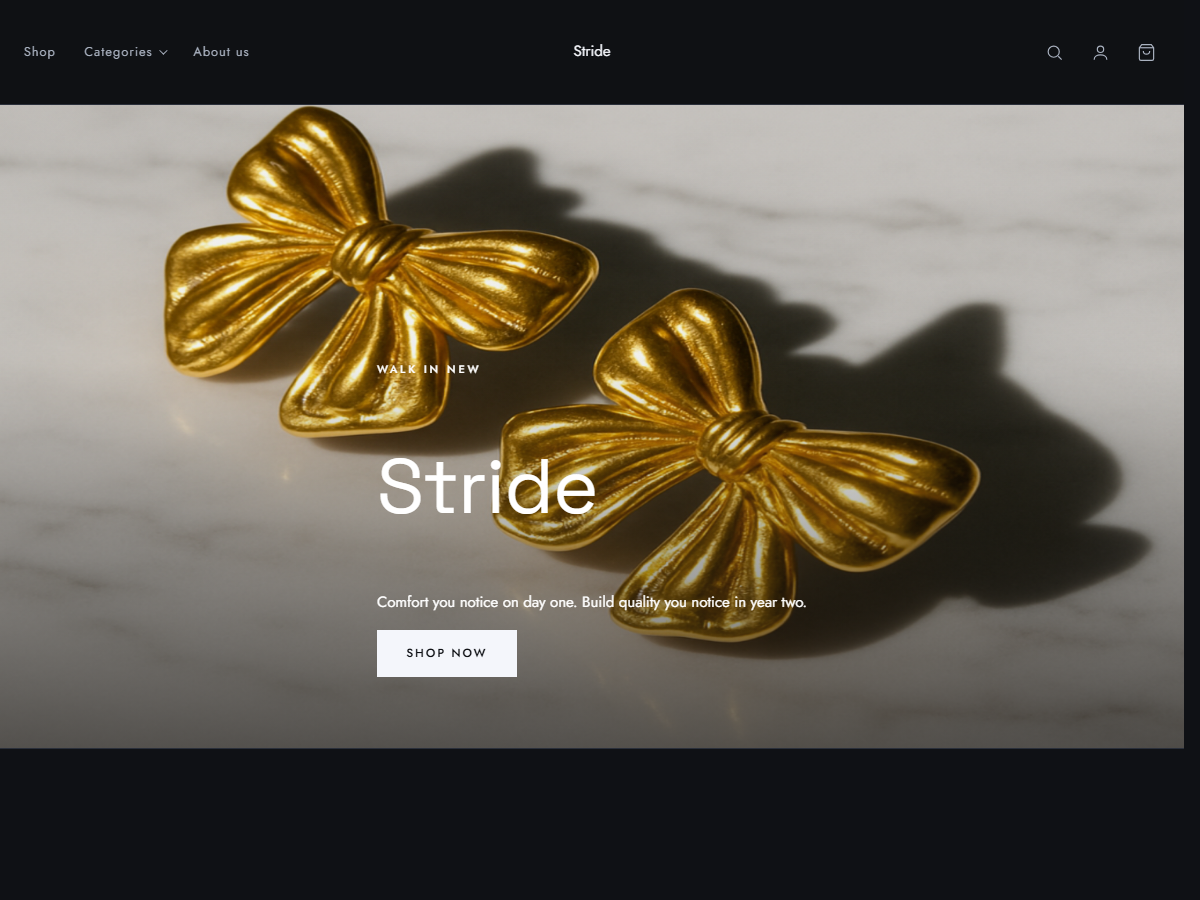
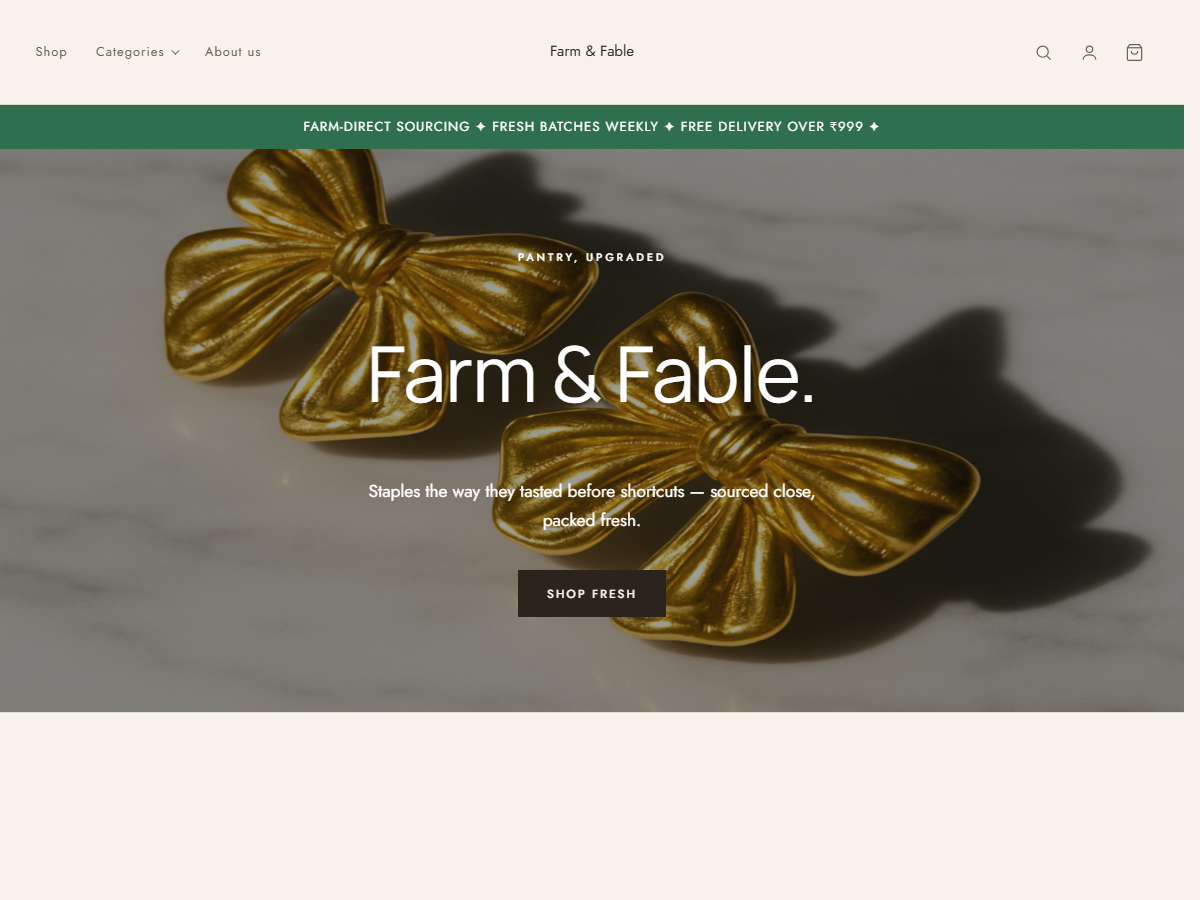
Seven families, designed as whole stores.
Not colour swatches — complete storefronts with the pages, layouts and copy of your trade. Preview them all, then start from the closest.
Tell us what you sell. You get a real shop — designed, filled with example products, every page already written, and card payments ready to take orders. Then change anything you like. No code, no designer.
No card needed to look · Moving from Shopify or a spreadsheet? Bring your products with you · Use your own web address whenever you want
Most people are looking at their own shop before they've finished their coffee.
Choose from 40 industries — jewellery, apparel, bakery, travel, electronics and more. Each one comes with the right categories, product fields and copy.
Home, shop, product pages, about, contact, common questions, delivery & returns, terms and privacy — all written for you and linked up. Not a blank page you have to fill in.
Every page, every word, every colour is yours to change — move sections around, rewrite the words, upload your own photos. Or just tell the assistant what you want changed, in plain English.
A jewellery store needs materials and care instructions. A travel company needs dates and group sizes. You get the right shape from the start.
Not a page builder with a buy button bolted on — a full shop, from the first visit to the delivered order.
Drag sections into place — a big banner, rows of products, photo galleries, common questions, customer reviews. Change colours, fonts and spacing by picking from menus.
Sizes and colours, stock counts, discount codes, delivery charges, cash on delivery and card payments. Order confirmation emails send on their own.
Track every order from placed to delivered. Add a courier and tracking number, and your customer gets told automatically.
Order updates, delivery notices and review requests on the channel your customers actually read.
"Add a summer sale banner." "Mark these as out of stock." "Which products sold best last month?" Ask in plain words.
Moving from Shopify, or have everything in a spreadsheet? Bring it across — your products, their sizes and colours, photos and prices all come with you.
Not colour swatches — complete storefronts with the pages, layouts and copy of your trade. Preview them all, then start from the closest.
You'll know in two seconds whether this is for you — that's how long it takes to see your own shop.
Open my store — freeNo. You pick your industry and a name, and the store is built for you. Everything after that is editing — clicking, typing and dragging. If you'd rather not even do that, tell the assistant what you want and it makes the change.
Yes. Your store starts on a shopcust.com address so you can begin straight away, and you can point your own domain at it whenever you're ready.
Bring everything from Shopify or a spreadsheet when you set up. Your products, their sizes and colours, prices and photos all come across — and you can keep editing from there.
Opening a store and building it is free. You only pay when you're ready to sell seriously — no card is needed to start, and nothing charges automatically.
Cash on delivery works out of the box. Online payments switch on once you connect a payment provider in settings.